
Login at Betospin in a few steps
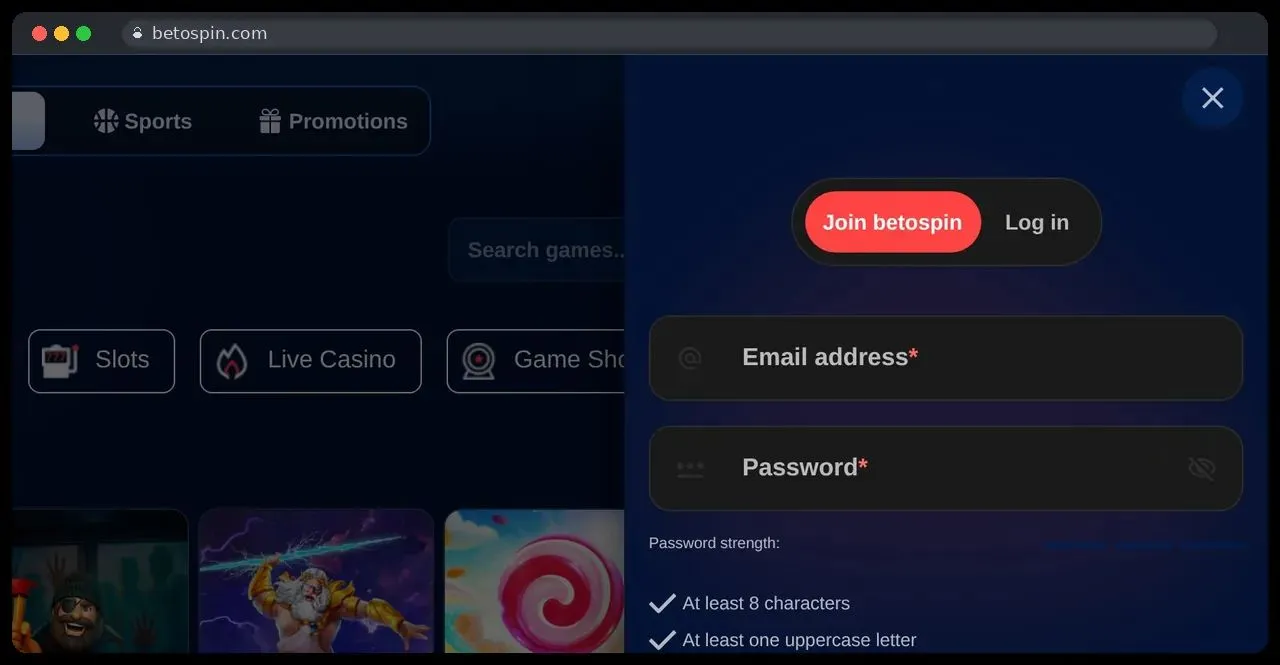
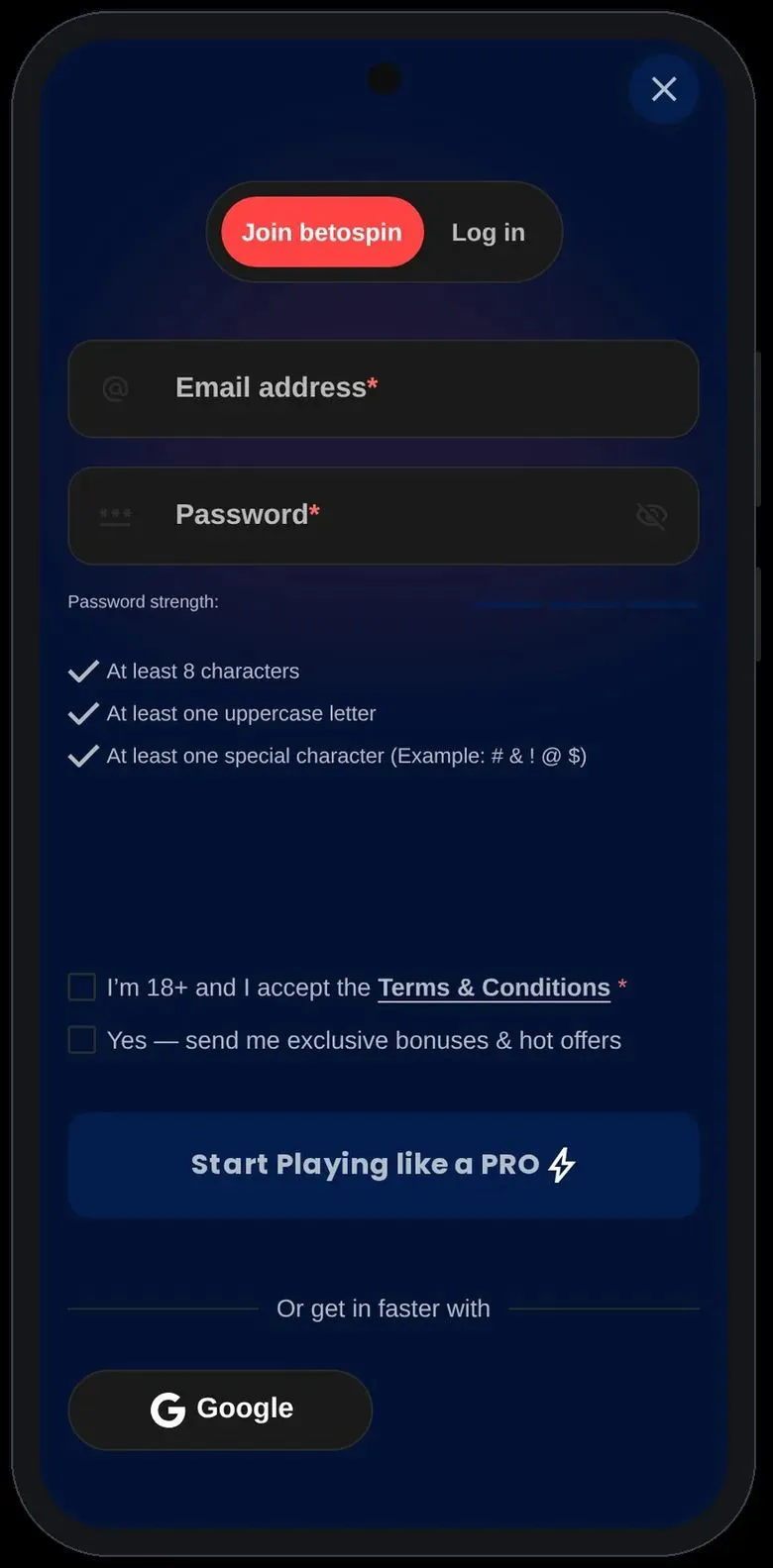
To log in at Betospin, open the site, tap the login button, enter the email and password you registered with, and confirm. That is the whole process for most players, and it works the same from a desktop browser or a phone.
What you need before signing in
You need a registered account first. If you are new, create one before trying to sign in; the login form will not accept details that were never set up.
Signing in step by step
- Open the Betospin site in your browser.
- Select Log in in the top corner of the page.
- Type the email address you used at registration.
- Enter your password exactly as you set it, watching capital letters.
- Confirm, and you land in your account, ready to play.
Reaching Betospin support when you cannot sign in
If the steps above do not restore access, our support team is available 24/7. You can write to cs@betospin.com or use the Contact Support form on the site. Support is offered in English.
When you write, include the email linked to your account and a short description of what happens when you try to log in, such as an error message or a reset email that never arrives. The more precise you are, the faster we can point you to the fix.
Once you are back in, you may want to check the current offers on Betospin bonuses or see how deposits work on Betospin payments.
Play responsibly after you log in to Betospin
Gambling is for adults only: the legal age is 19 in most provinces and 18 in Alberta, Manitoba and Quebec. Play for entertainment, set a budget before you start, and stop when it stops being fun.
Betospin is licensed by Anjouan Licensing Services Inc. and does not hold a licence from Ontario's AGCO / iGaming Ontario. Provincial self-exclusion programs are available to you through your province's own channels if you want a break.
If gambling is causing you worry, free and confidential help is available from ConnexOntario at 1-866-531-2600. More information is at responsiblegambling.org.
Frequently Asked Questions
How do I log in to my Betospin account?
- Open the Betospin site, select Log in, enter the email and password from registration, and confirm. You then enter your account straight away.
What should I do if I forgot my Betospin password?
- Use the reset option on the login form, enter your account email and follow the instructions sent to your inbox. Check your spam folder if the message does not show up.
Why does my Betospin login keep failing?
- Usually it is a typo in the email or password, caps lock, or an outdated autofill entry. Clear saved details, try a private browser window, and use the password reset rather than repeated guesses.
How can I contact Betospin if I cannot access my account?
- Our support team is available 24/7 at cs@betospin.com or through the Contact Support form, in English. Include your account email and a short description of the problem.
